
Intro
Make your iTop more secure!
We live in a world where security is more important each day to your organization and your clients.
It was the first extension to introduce these new features for anyone using the Community Edition:
- Multi Factor Authentication by using a one-time password (TOTP) for most iTop login modes ( internal users, LDAP, SAML, OpenID, … ).
- Web Authentication – Authenticate using passkeys!
Both of those features can be combined as well!
You could first let users authenticate using a passkey, and still prompt for a one-time password (MFA).
On top of that, the latest version also offers:
- Account lock out after a number of failed login attempts.
- Auditing of authentication flows: see who tried to log in when, using which browser, coming from which IP, …
- ReCAPTCHA v3
- Policies to approve (for visitors – for example a cookie policy, or for signed-in users – for example a company policy).
- A new trigger that can be fired based on a large number of authentication events.
- Added bonus: This includes the Syslog action extension; so you can directly send data to your syslog server.
Always open to suggestions and requests!
This extension evolves continuously; so screenshots may not show the latest features yet.
Features
Audit Authentication
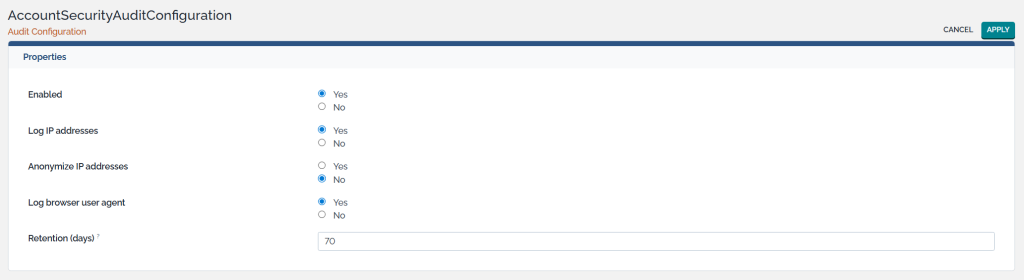
When auditing is enabled, info about a user’s session is stored for the specified amount of time. It can track when and for how long users are signed in, from which IP, from which browser, …
Policies
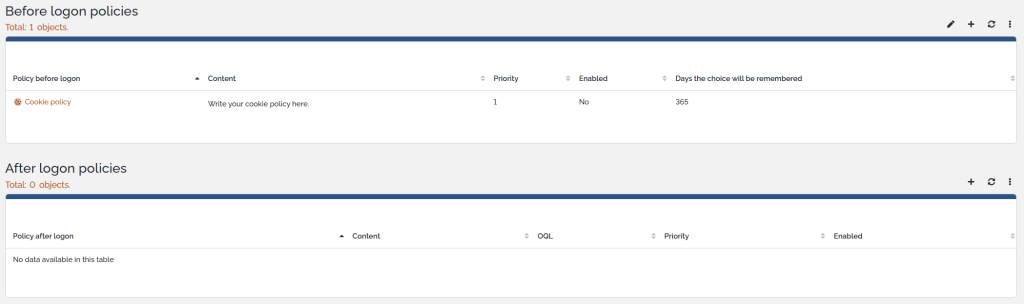
You can show one or more policies to accept (e.g. cookies, GDPR, company policy, …) before any visitor will even see the login screen; or before any user can access iTop after initial authentication.
Multi-Factor Authentication (TOTP)
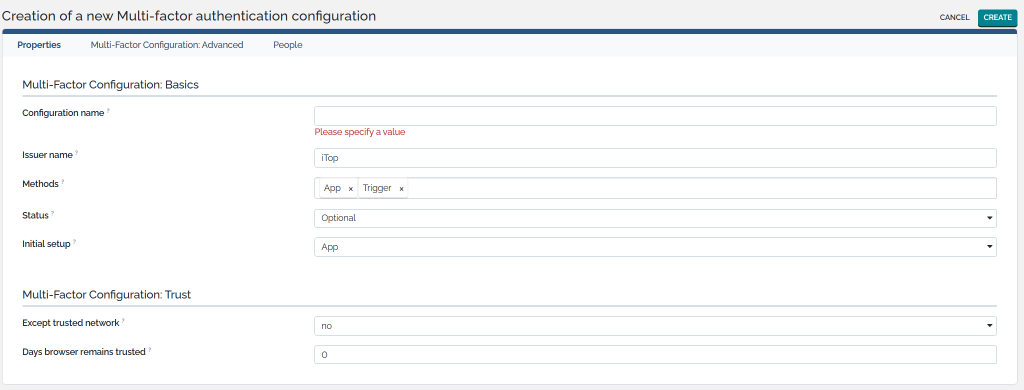
Securely sign into iTop with multi-factor authentication, using:
- A code generated by an app of your choice (any classic authenticator app such as Google and Microsoft Authenticator, quite a few modern password managers such as 1Login or BitWarden, …).
- Or as an iTop administrator, configure iTop to send a message (using a trigger) to the user containing the OTP code. Most commonly, this would be done by e-mail. But you could also for example send the code in an SMS message if you use a third-party API.
The extension has no dependencies and can work perfectly with internal users, so no need to set up a SAML or OpenID integration. However, the multi-factor layer could also be done on top of those authentication flows.
If you’re looking to balance security and user friendliness, there are options to whitelist IP addresses and rememberthe browser for a certain amount of days before the user is prompted again.
We rely on TOTP (time-based one time password).
You can have different TOTP configurations in place, assigned to different people.
Lockout
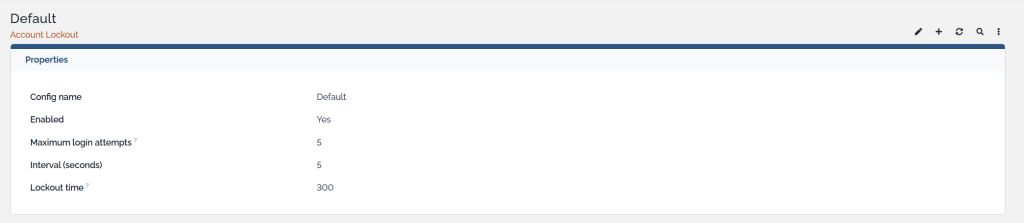
Prevent brute-force attacks. Lock out accounts automatically for a while after a certain amount of failed login attempts within a certain interval.
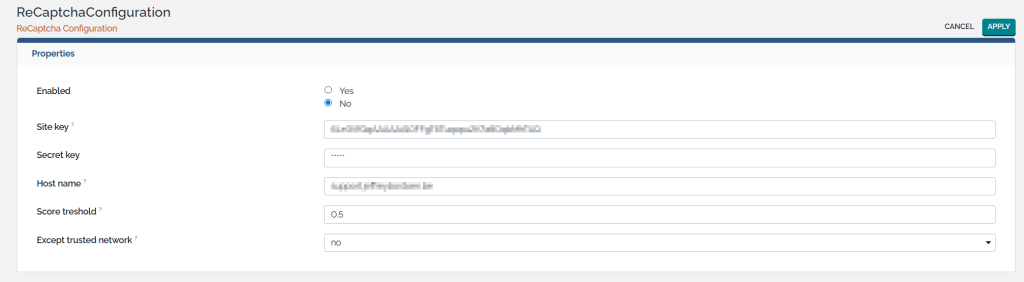
ReCAPTCHA
Set up an integration with Google’s ReCAPTCHA.
Web Authentication (WebAuthn)
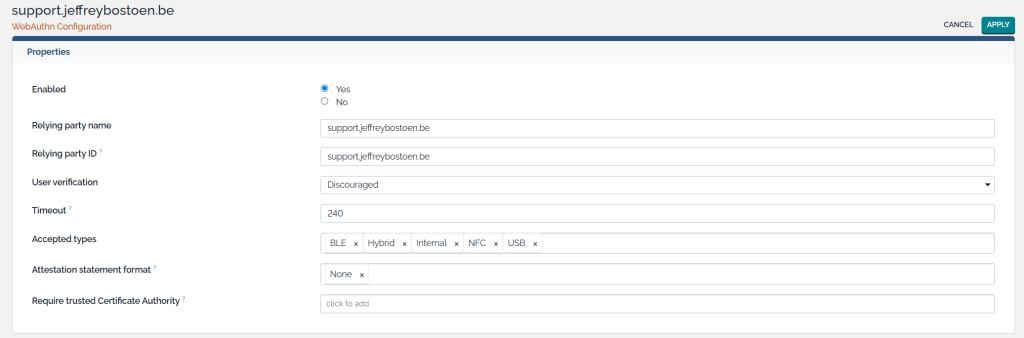
This extension can also enable Web Authentication for your users. They can register a passkey and save it in a password manager (such as BitWarden), or Microsoft Windows Hello, or any other suitable physical device or software application.
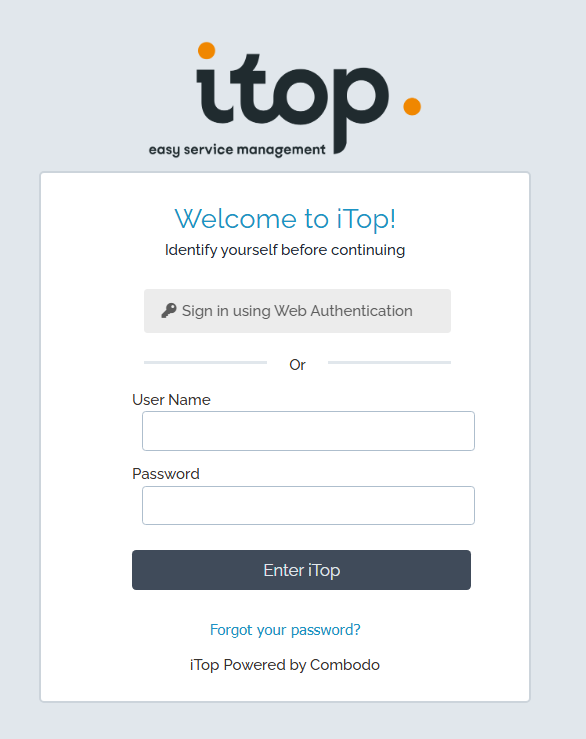
On the classic iTop login screen; users can then simply click a button to sign in with this passkey instead. Passkeys are more secure and a faster way to sign in!
This comes with some standard options.
Extra triggers
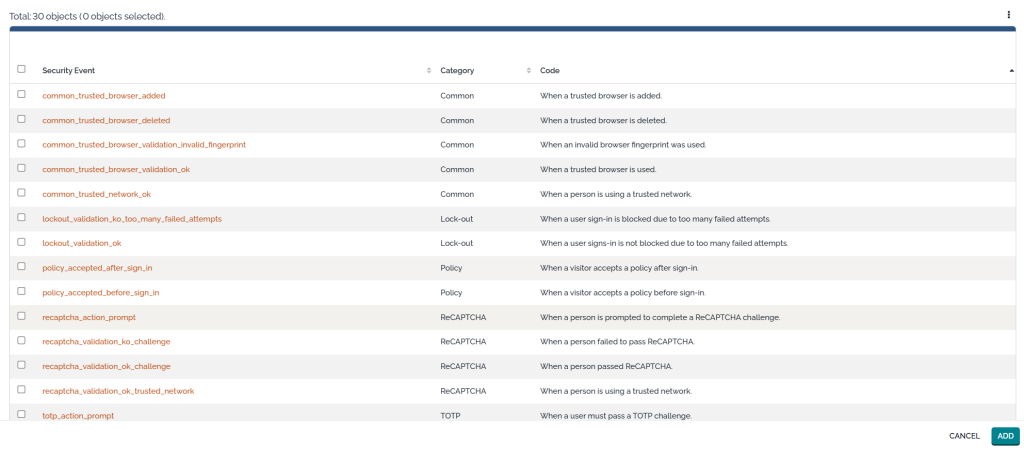
There is one new trigger, which allows administrators to execute actions as soon as a certain security event occurs.
For example; send info to a Syslog server; send an OTP-code to a user; …

Almost each feature brings specific security events.
Product video
Here is an outdated product video.
No worries, the extension only got better and more feature rich! 😁
So far, I’ve spent my time instead on improving my iTop extensions and helping out various customers.
Screenshots