Introduction
This extension makes it possible to schedule triggers, which can then trigger any required action.
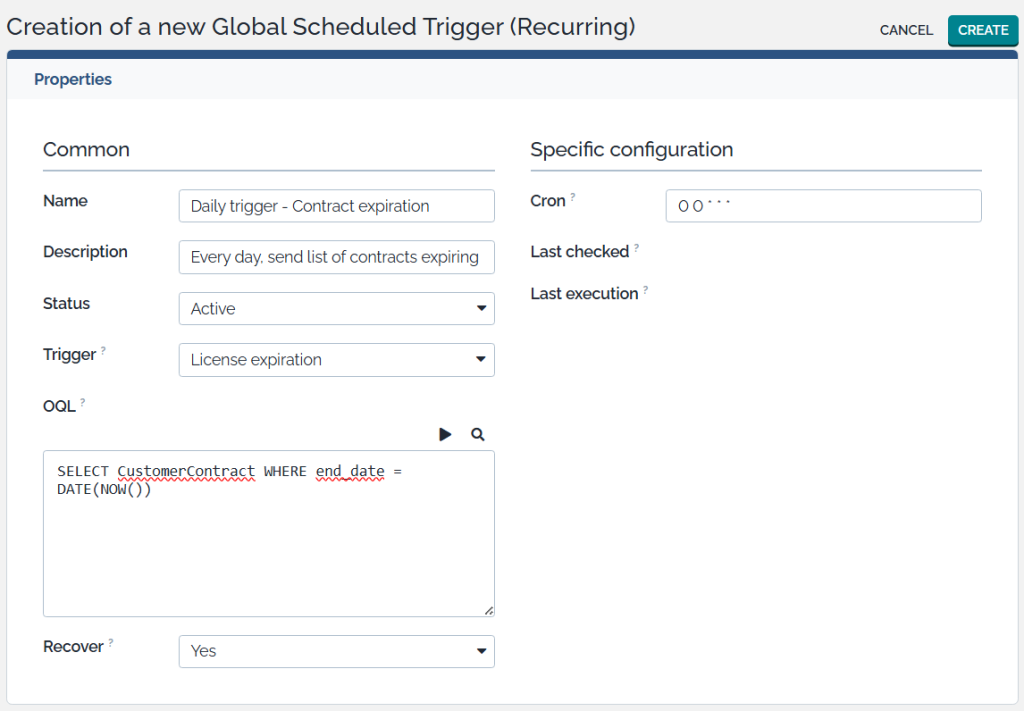
Triggers can be defined on a global level to any type of iTop objects.
It’s possible to work with schedules so a trigger is executed at for example (but not limited to):
- Every couple of minutes, hours, days.
- The first of every month, quarter or year.
- …
Or a trigger could be scheduled to be executed one time only.
Use cases
Note: Depending on the desired action, you may need to create a custom action or update your iTop datamodel.
- Global:
- Notify users about expiring contracts, licenses, …
- Automatically close tickets.
- Send automatic replies to tickets without response from a customer.
- …
- Personal:
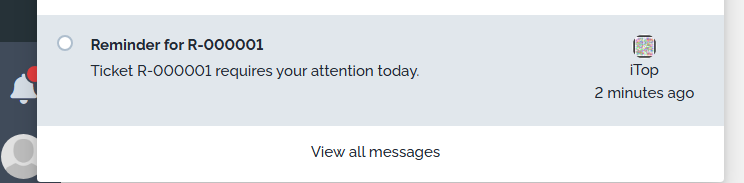
- Set a reminder to look at a ticket at a specific date.
The reminder could be an e-mail, newsroom notification, … - …
- Set a reminder to look at a ticket at a specific date.
Screenshots
Pro tip: When using Combodo’s free User Actions Configurator extension, you can have this icon (or an item in the “Other actions” menu):

All info can be prefilled; leaving only the date and time of the reminder to be set:
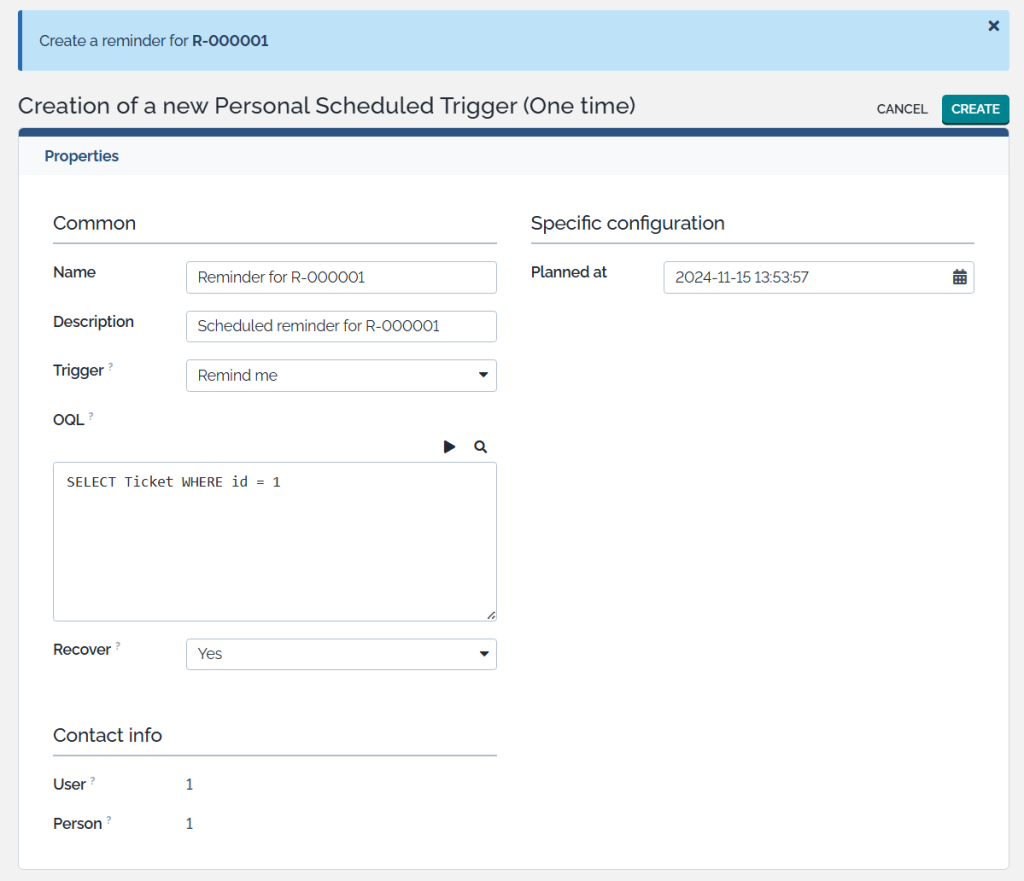
You can link one or more actions such as an e-mail notification or a personal message in the newsroom. The content is completely customizable!